Fix Your LinkedIn Feed: How to Train the Algorithm to Show You What You Really Want to See
 Natalie Berthe
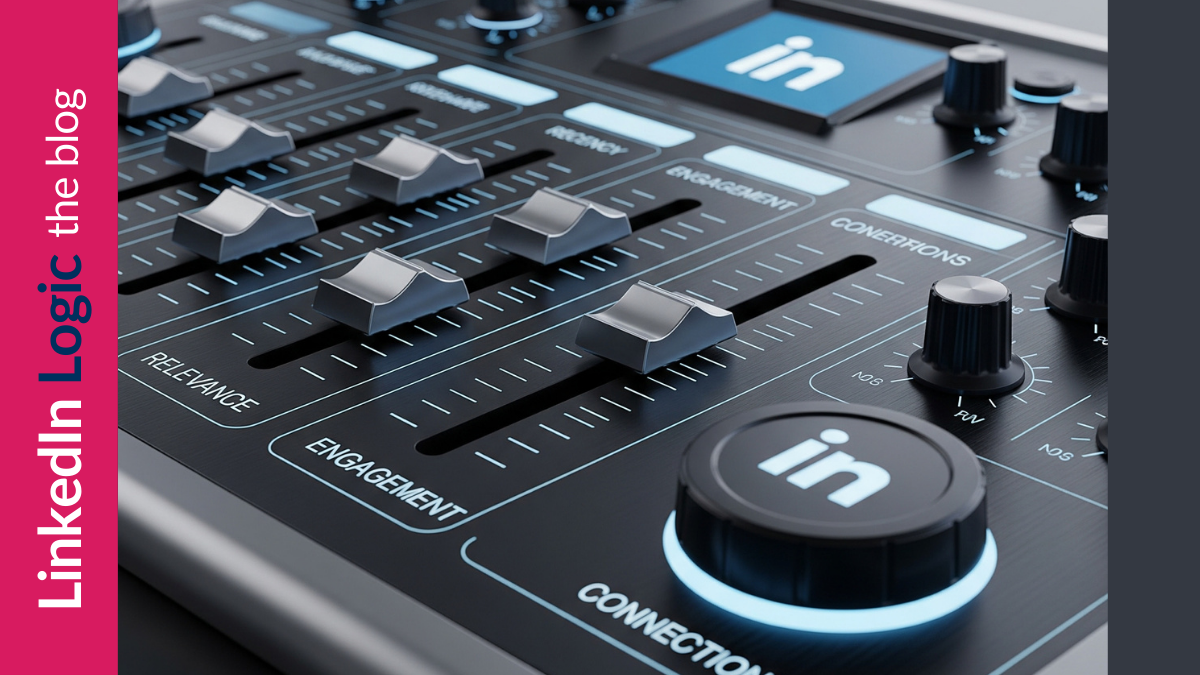
Tired of junk in your LinkedIn feed? Here's how to train the algorithm, remove distractions, and see content you actually want in 2025.
In June 2025, LinkedIn quietly shifted how your feed works. Instead of prioritizing recent posts, the platform now shows what it considers relevant content—even if that content is days, weeks, or even months old.
If your feed feels chaotic, repetitive, or full of things you don’t care about, you’re not alone. But there’s good news: You can fix it.
You just need to train the algorithm.
How to Fix Your Feed
LinkedIn’s algorithm responds to your behavior. That means your job is to signal what matters to you and what doesn’t.
This breaks down into three strategic actions:
1. Get Rid of Content You Don’t Want
LinkedIn keeps showing you irrelevant content? Remove the signals.
-
Switch your feed to “Most Recent”
Go to your Settings & Privacy > Account preferences > Preferred feed view > Most recent posts. -
Stop getting irrelevant ads
Click the three dots on the top right of any sponsored post and select “I don’t want to see this.” Do it often. It trains the system. -
See who’s liking the ads or posts you hate
If certain people in your network are consistently feeding bad content into your feed, unfollow them (you’ll stay connected). While you’re at it, click “Not interested” on that ad, too. -
Curate or leave irrelevant group messages
Getting spammy group content? Leave the group or click “Not interested” on specific posts.
2. Curate the Content You DO Want to See
Want to always see posts from someone?
-
Visit their profile and hit the 🔔 “bell” icon. Find it below the bottom right corner of their banner.
-
You must be connected OR following them to use this.
You can also unfollow people whose content you don’t want to see but still stay connected. It’s a useful move when you want to declutter your feed without damaging relationships.
3. Train the Algorithm With Meaningful Engagement
LinkedIn tracks your behavior closely, and not all engagement counts equally:
-
Likes are the weakest form of engagement. They’re passive signals.
-
Comments matter more, but only if they’re meaningful. A quick “I agree” isn’t doing you (or the content creator) favors.
-
Commenting in conversations (i.e., replying to others, not just the original post) is the strongest engagement signal on the platform.
The more thoughtful, relevant interaction you have with the content you want, the more LinkedIn will prioritize showing you that kind of content.
In Summary
If your LinkedIn feed has gone sideways, you're not imagining it—and you're not powerless.
Train the algorithm.
-
Prune out junk
-
Elevate voices you want to hear
-
Participate in the conversations that matter to you
Want to see the original carousel version of this post, complete with pictures? Check it out on LinkedIn here.
Categories: : LinkedIn 2025, LinkedIn Strategy, Visibility & Networking